How to Use Adobe Lightroom CC Mobile App
Discover TOP features in the Lightroom CC mobile app with this guide for enhancing your photo editing skills. For desktop and tablet too.


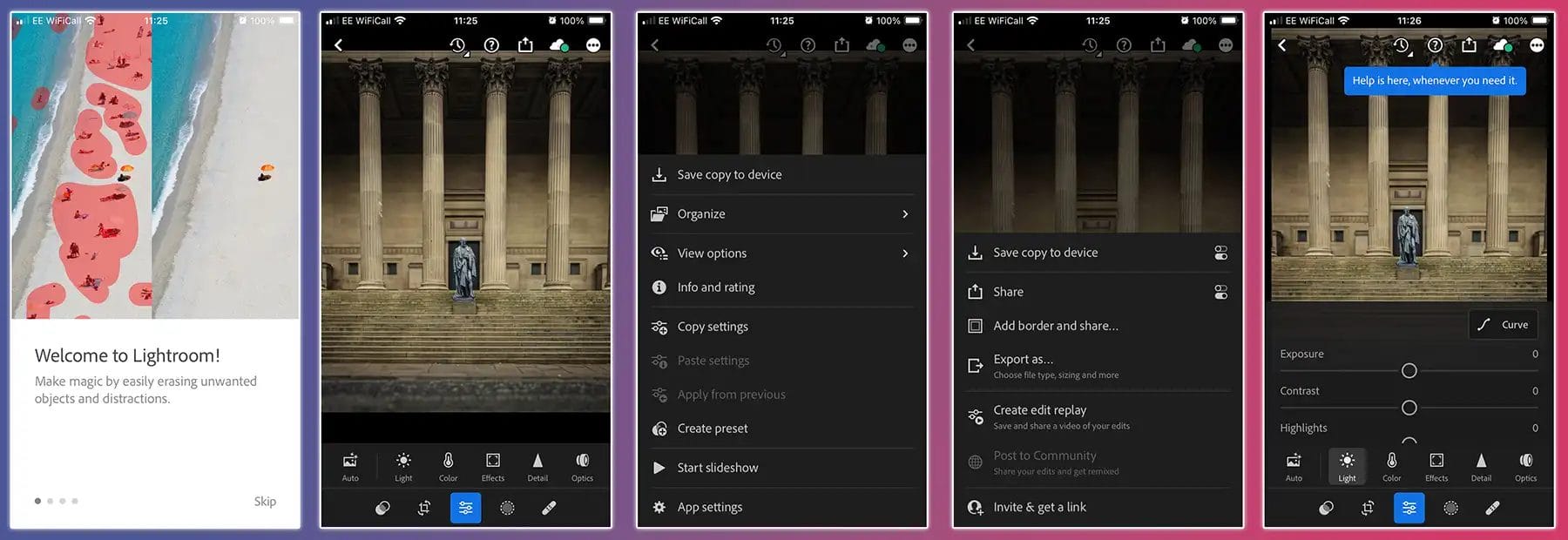
Discover TOP features in the Lightroom CC mobile app with this guide for enhancing your photo editing skills. For desktop and tablet too.
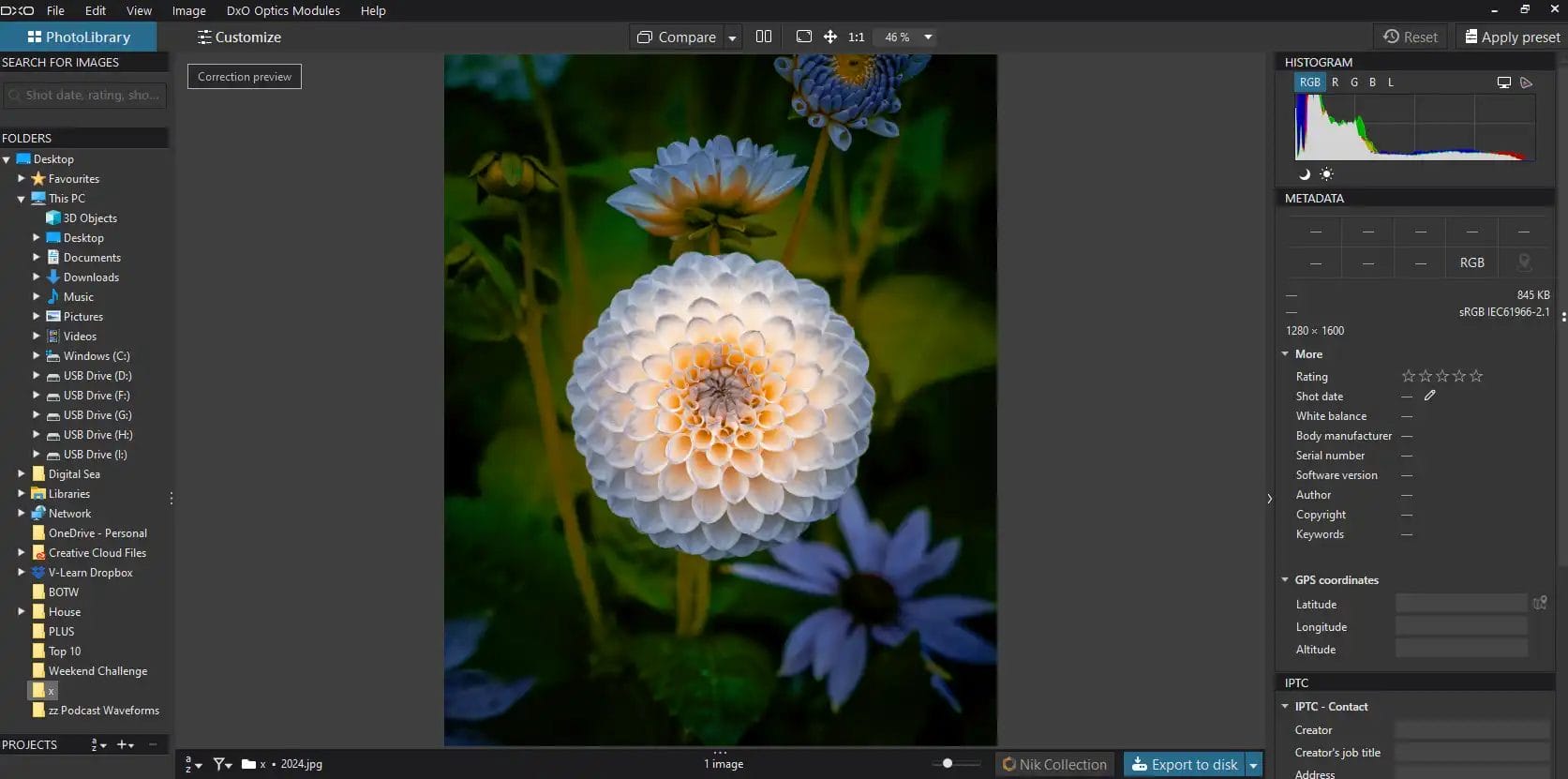
Unlock the full potential of DxO PhotoLab with our comprehensive guide. Learn to edit photos like a pro photographer!
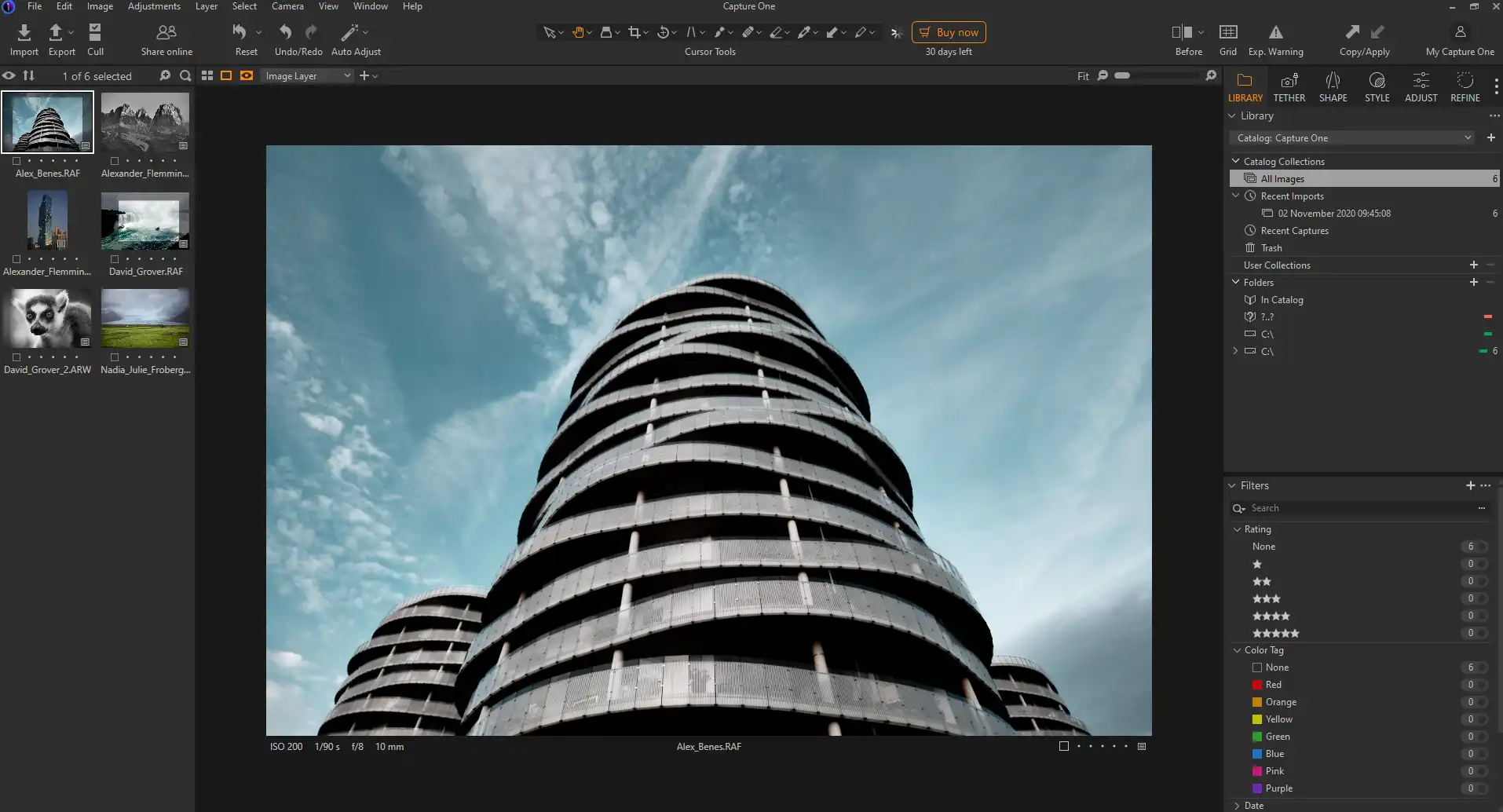
Learn how to master Capture One photo editing with our comprehensive guide. Enhance your photos like a pro!
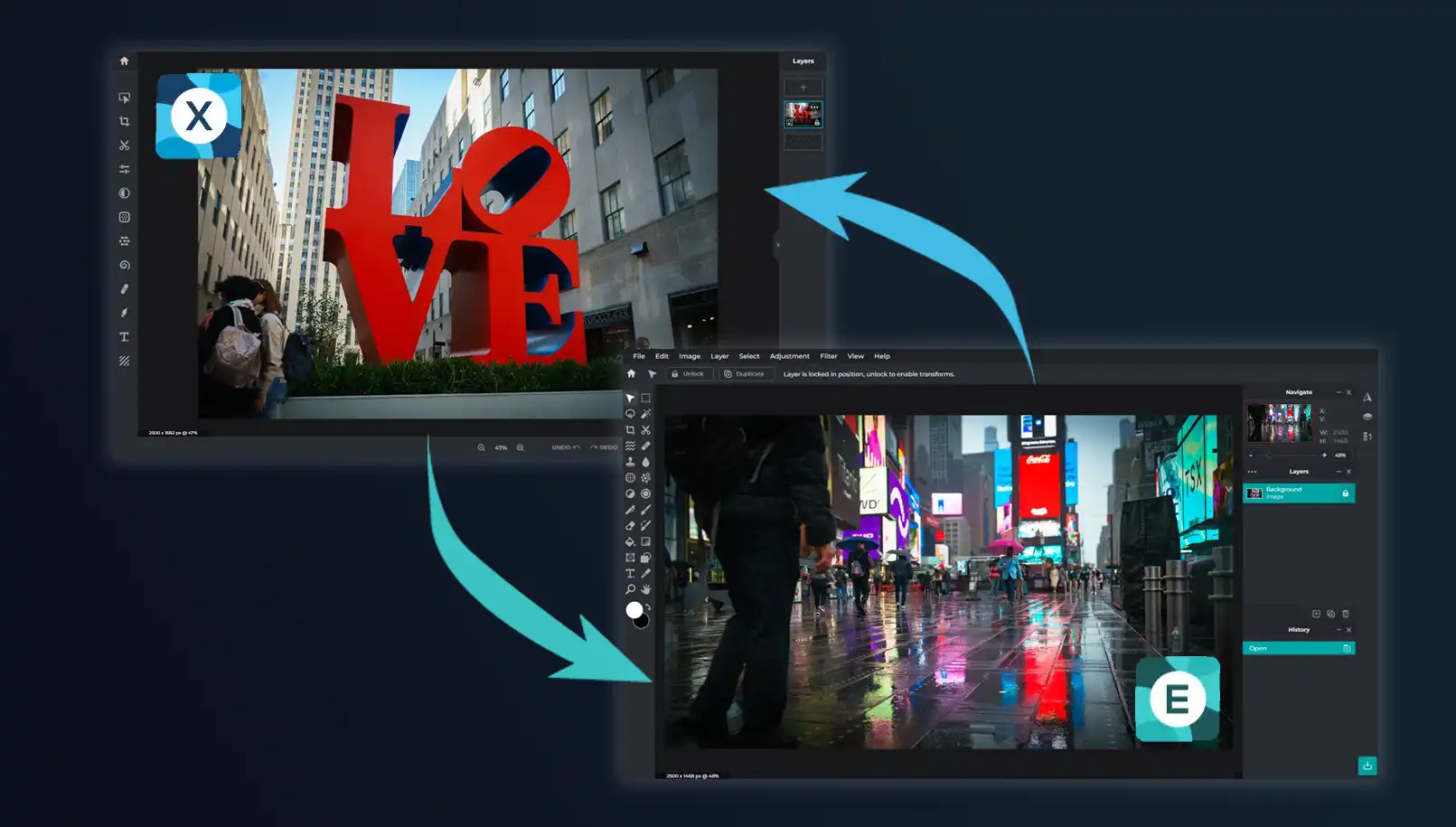
What’s the difference between Pixlr X and Pixlr E! Which is best for photographers? and which has the best photo editing tools and features?
Discover the power of Adobe Creative Cloud for photographers. Explore its tools, features, and benefits in our comprehensive guide!
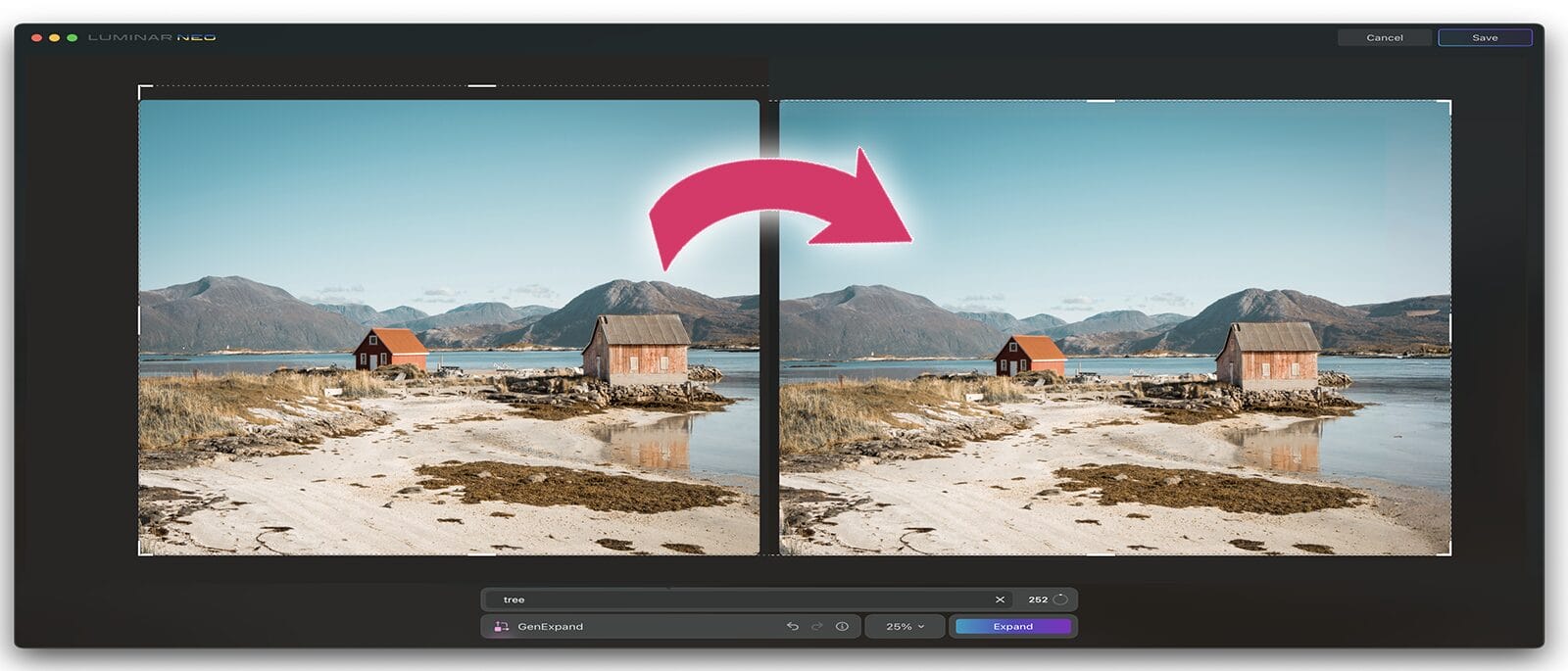
Discover how Luminar Neo’s GenExpand tool will change the way you see composition forever. Endless cropping with AI technology.

Luminar Neo GenSwap – the Photoshop Generative Fill killer? Discover the intuitive way to effortlessly add new objects to your photos
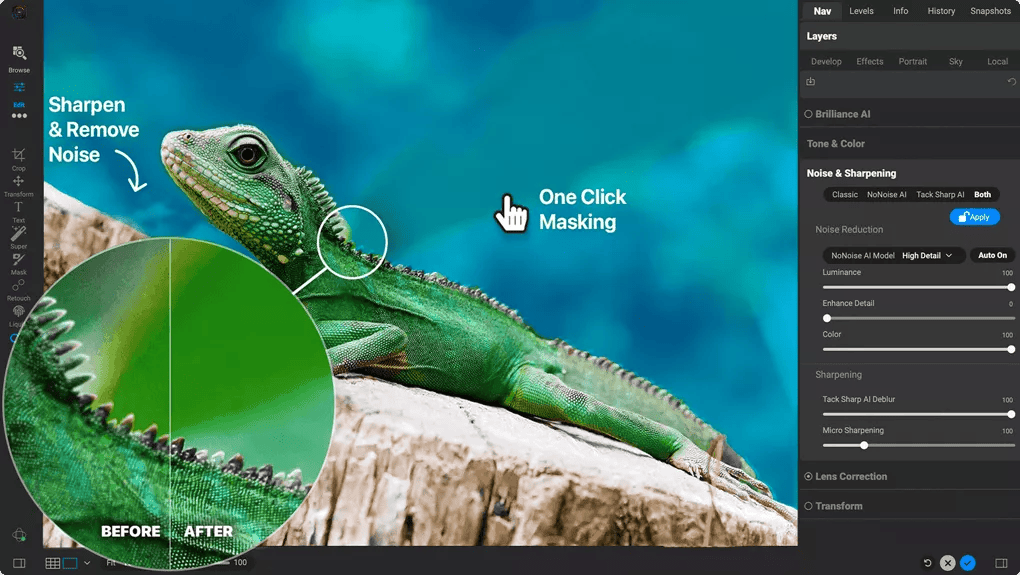
Dive into the world of ON1 photo editor – a powerful tool for photographers seeking creative and professional enhancement.
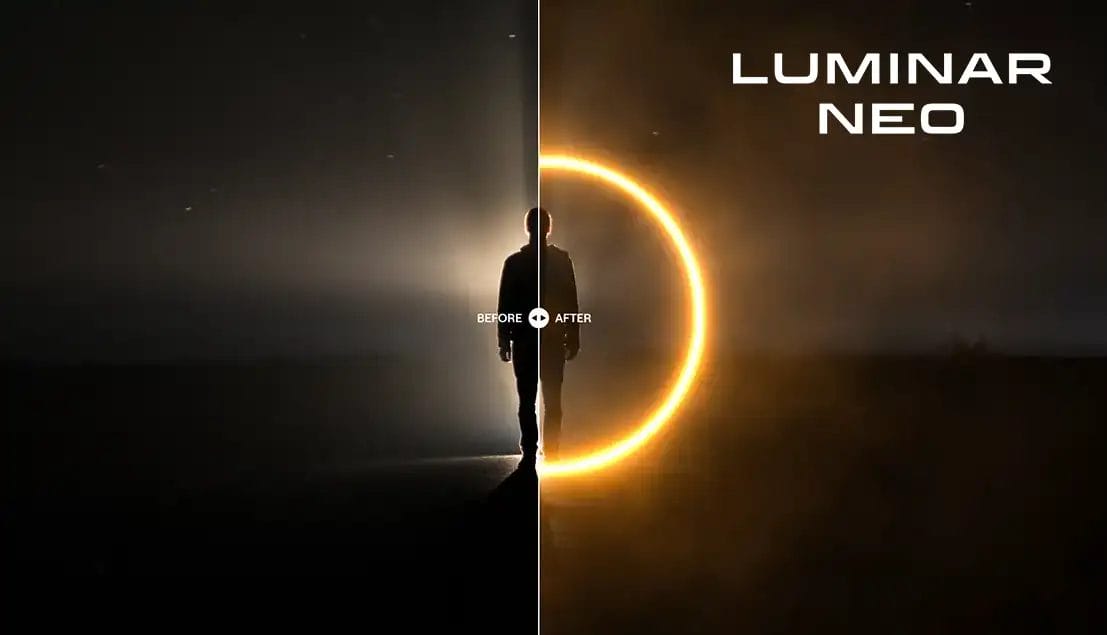
The Neon & Glow feature in Luminar Neo enhances your photos by adding vibrant colours and radiance neon effects in just a few clicks.
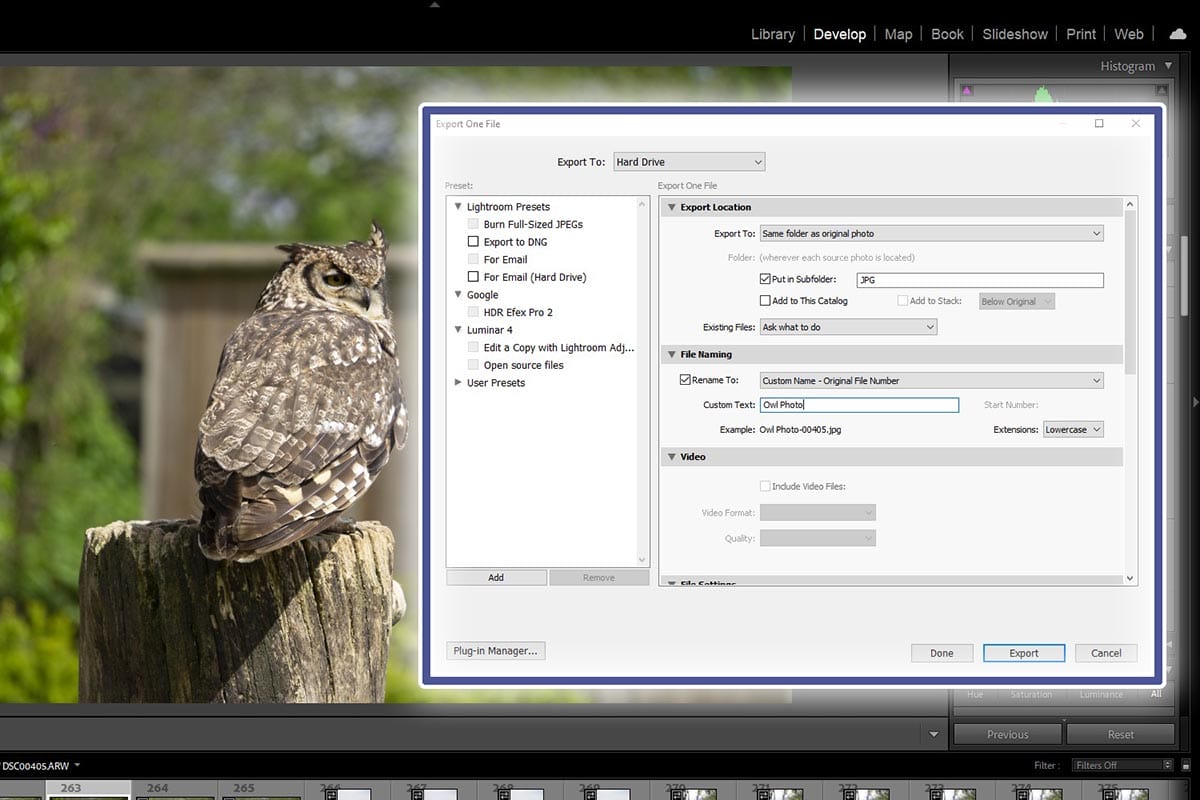
Get a breakdown of each factor of exporting to give you the best export settings for photographers using Adobe Lightroom for photographers.