

Become the creative photographer you want, without leaving the house.
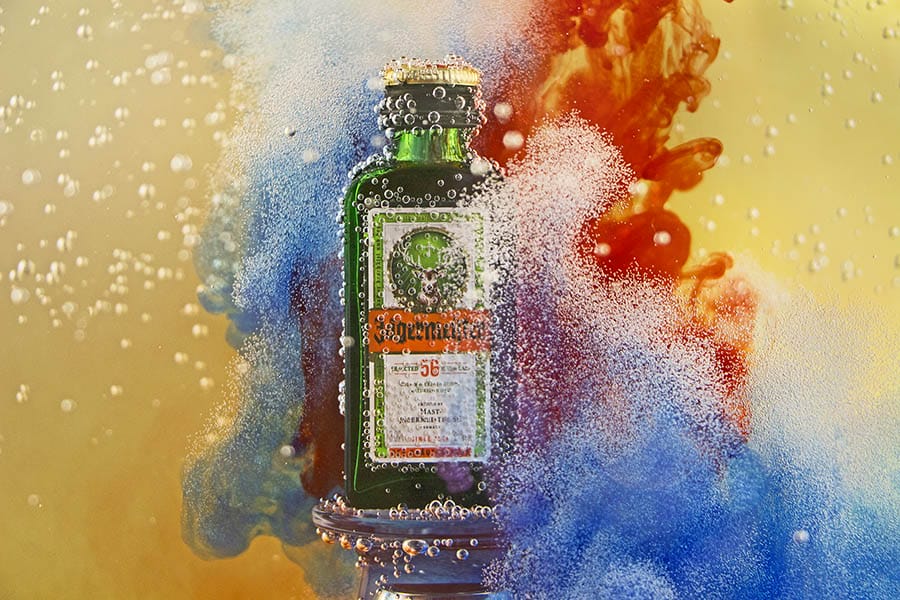
This course won’t teach you how to take cheap photos, but rather, amazing photos on the cheap.
Quality cameras, lenses and lighting are expensive, which is why we designed this course to show you how to combine your digital camera with everyday items around your home to capture incredible top-grade images.
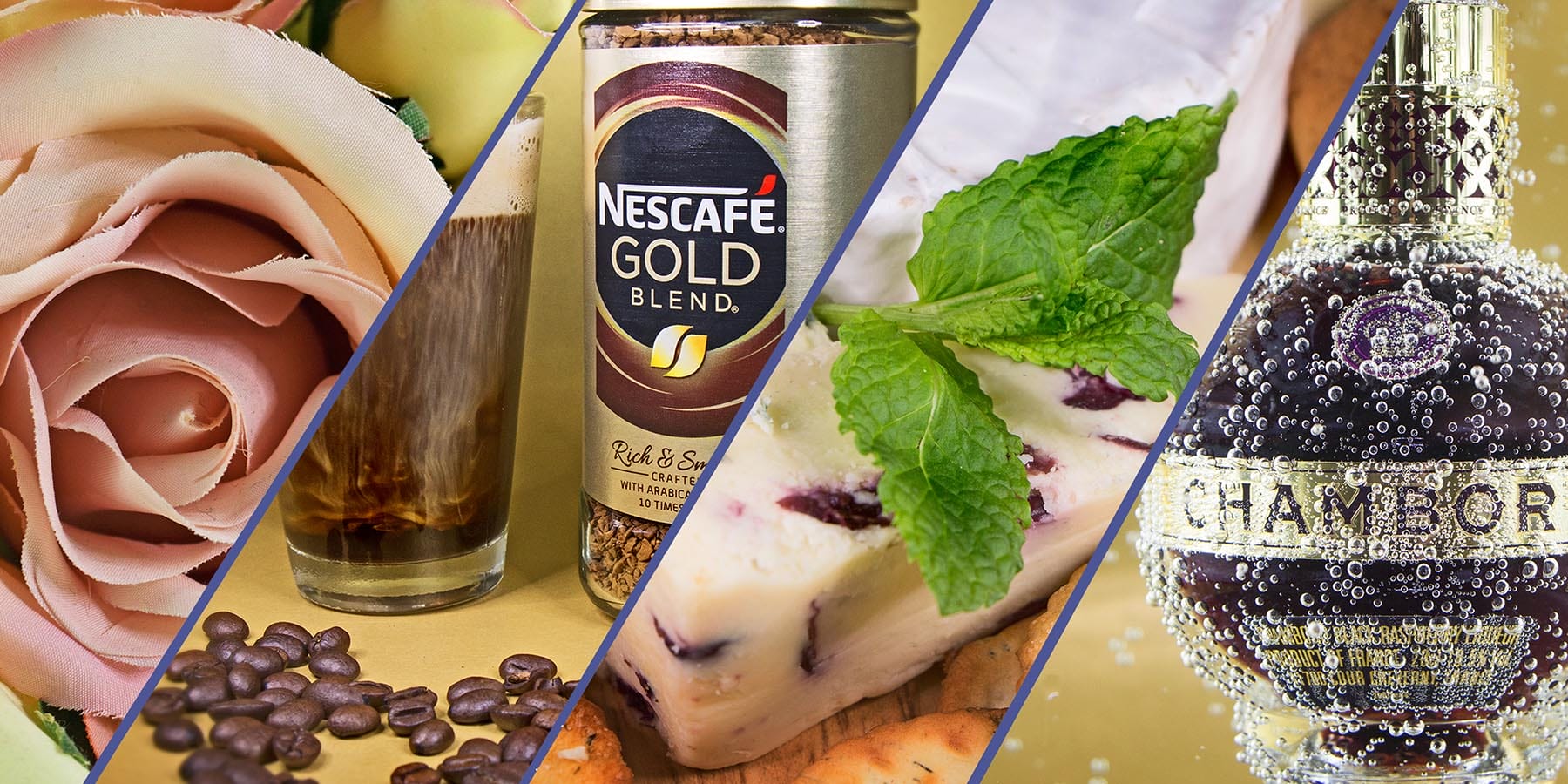
Food, flowers, toys, footwear, ornaments – we make use of everything in this budget-friendly online course. Without going outside, you’ll have an endless library of amazing photographs to show off.
This course won’t teach you how to take cheap photos, but rather, amazing photos on the cheap.
Quality cameras, lenses and lighting are expensive, which is why we designed this course to show you how to combine your digital camera with everyday items around your home to capture incredible top-grade images.
Food, flowers, toys, footwear, ornaments – we make use of everything in this budget-friendly online course. Without going outside, you’ll have an endless library of amazing photographs to show off.
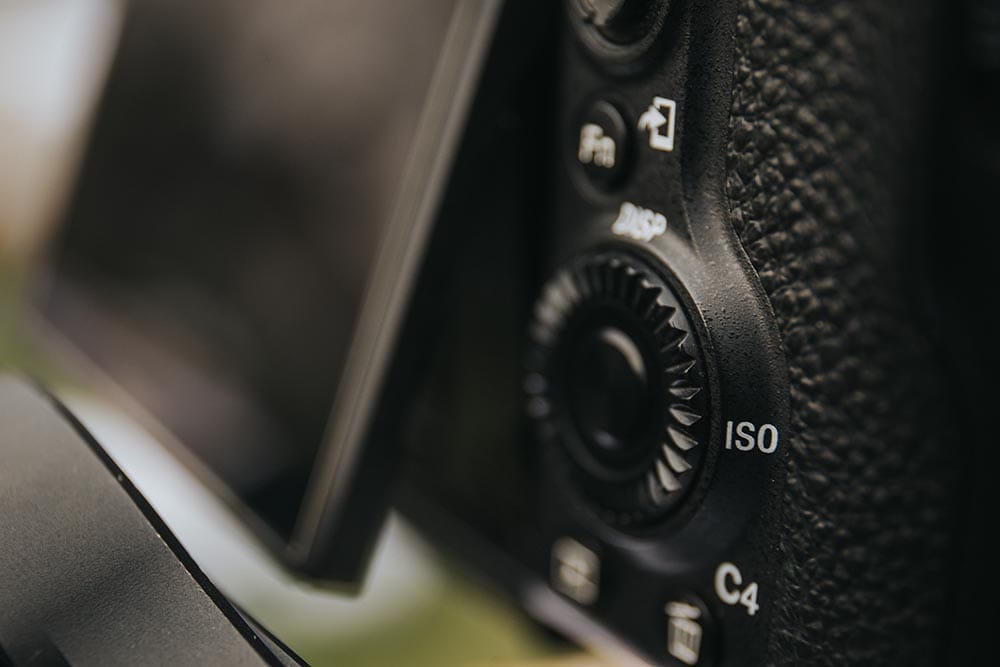
Discover how to use your DSLR, Bridge or Compact camera dials, menus & buttons
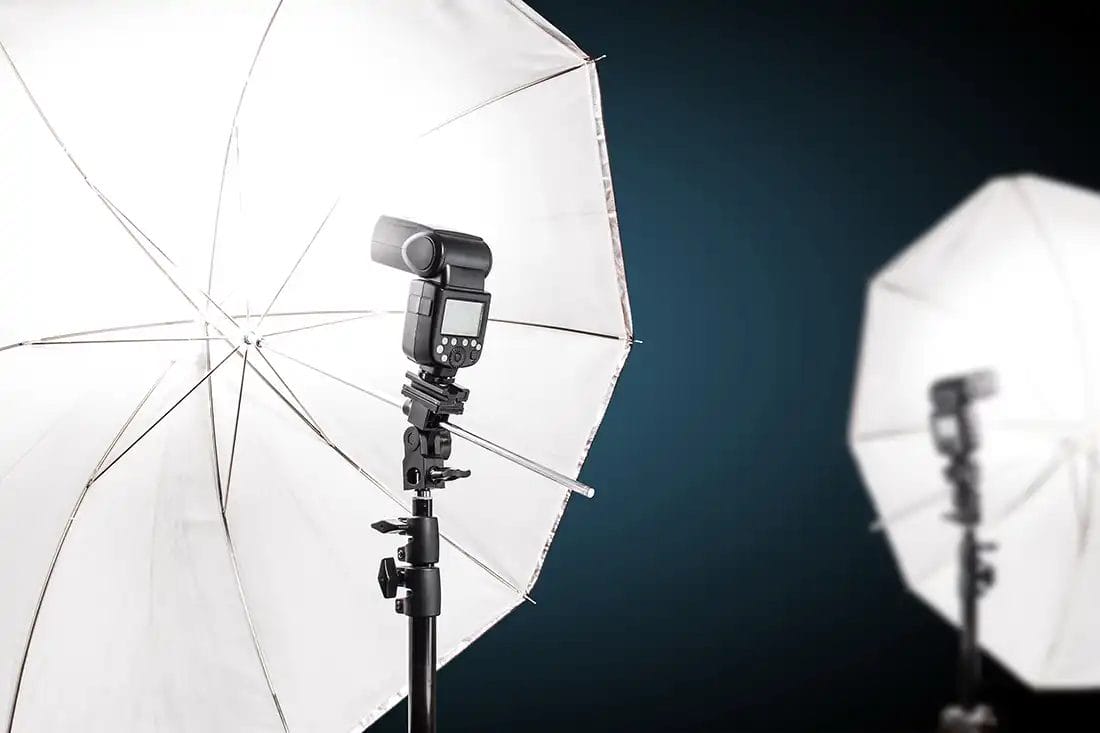
Learn how to position your lighting and make adjustments for perfect exposures
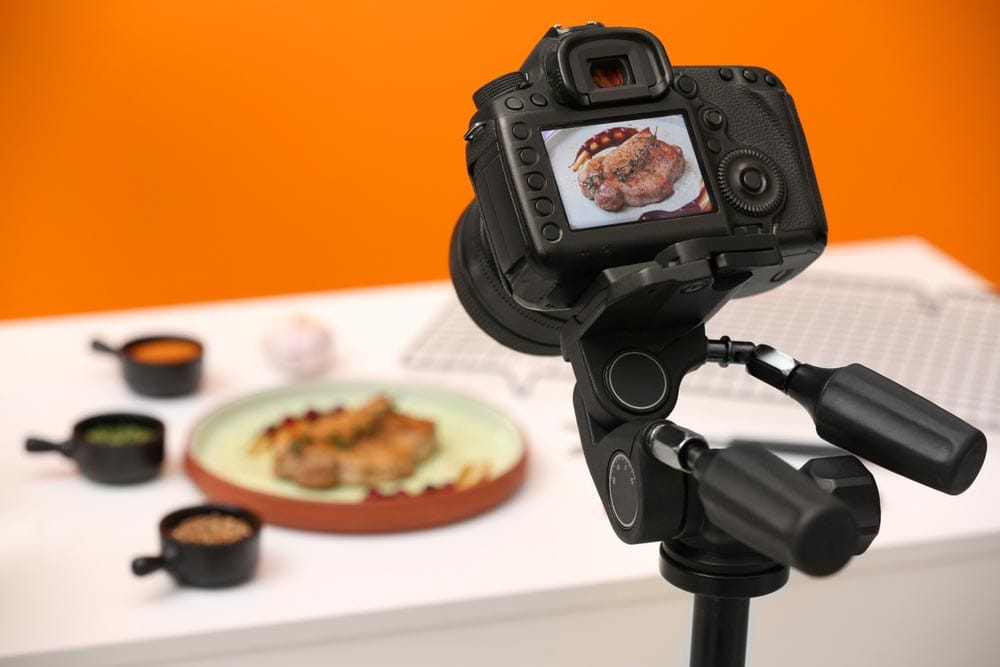
Master preparation, styling and how to capture beautiful images of food
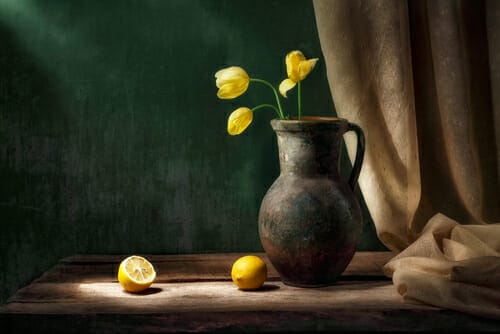
Shoot incredible florals and glassware with perfect lighting and precision

Create a portfolio of high quality footwear & product photos, ideal for brand building
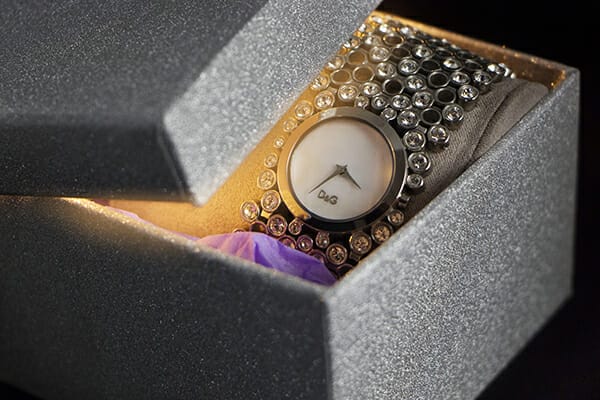
Discover clever insider tricks to improve your photography's 'wow factor'
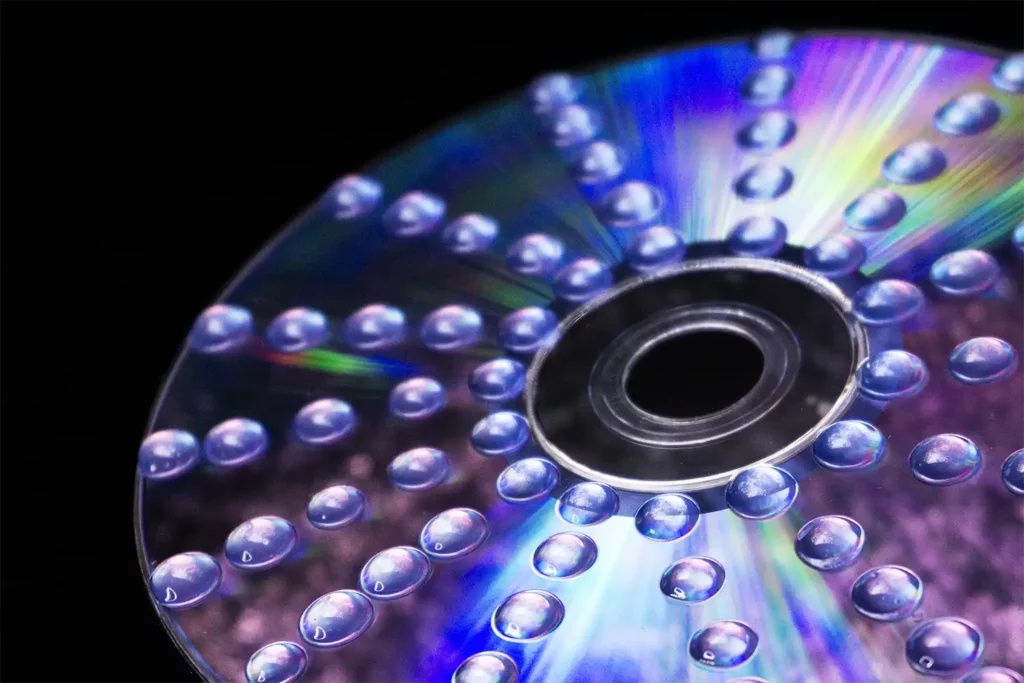
Learn to create incredible photos simply by using props you can find around your home.
We’ll cover all the important camera settings before you start the projects and then you can concentrate getting creative with everyday objects from around your house.
You won’t have to go for inspiration and things to shoot. Flowers, footwear, paintings, glassware, food, toys, ornaments, CDs and more.
Learn to create incredible photos simply by using props you can find around your home.
We’ll cover all the important camera settings before you start the projects and then you can concentrate getting creative with everyday objects from around your house.
You won’t have to go for inspiration and things to shoot. Flowers, footwear, paintings, glassware, food, toys, ornaments, CDs and more.
This iPhotography course is fully backed and certified from our training verification service CPD.
You can rest assured that you’re getting the best online training which is held to the highest standards from an independent service.
All iPhotography courses come with a free downloadable CPD verified certificate. Selected courses allow you to upgrade to a premium hard copy delivered to your door with free worldwide P&P.
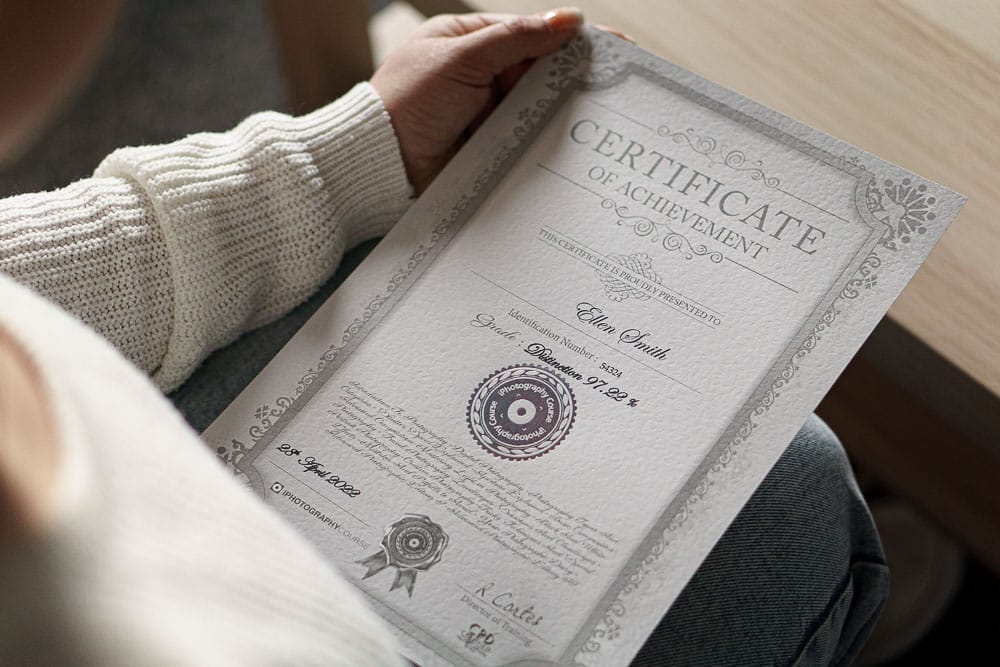
This iPhotography course is fully backed and certified from our training verification service CPD.
You can rest assured that you’re getting the best online training which is held to the highest standards from an independent service.
All iPhotography courses come with a free downloadable CPD verified certificate. Selected courses allow you to upgrade to a premium hard copy delivered to your door with free worldwide P&P.
Click the tabs below for an overview of what you’ll discover inside each lesson of the Food & Still Life Photography Course:
Find out the essential camera functions in Module one. Compact cameras, mirrorless cameras, bridge and DSLR cameras, we’ve got it covered.
Quickly learn all about aperture, shutter speed & ISO, how they change the look of your photos and when you need to use them. Once finished, then it's time to get started on creating your own mini home studio on a budget.
Transform your spare room or dining table in to a home studio with a light tent and fill it with these creative projects!
Perfectly complemented by the iPhotography Light Tent.
Perfect for the foodies amongst us!
Discover delicious ways to capture clever shapes, rich textures and bold colours from your kitchen cupboard. Learn to design innovative, minimalist and modern compositions with our guided steps.
Pick up lighting tips to make every dish look like it was straight out of a Michelin star restaurant.
Seek features and benefits of everyday items and transform them in advert-worthy posters in this still life module.
Capture perfect compositions with no perspective distortion or reflections in this how-to module.
Glowing box tricks, underwater glassware photography, food dye explosions, flower photography and more.
Push the envelope further as you uncover alternative ways to compose and design your home projects.
Dive into some Photoshop editing to transform your creations into real life scenes.
Master the art of shutter speed with high-speed fruit splash photography and other water-based tutorials
Make mind bending images your family will be amazed at as we put Abstract photography at the centre of Module 7.
CD gel drops, lines & patterns with natural materials, lighting with translucent straws, macro glass balls.
Work with candles in low light and glass refractions to create pieces that will awe your audience.
Combine everything you have learnt in to one powerful module where you can create professional level commercial photos. Learn long exposure, backlighting, product staging and more in this top grade training module.
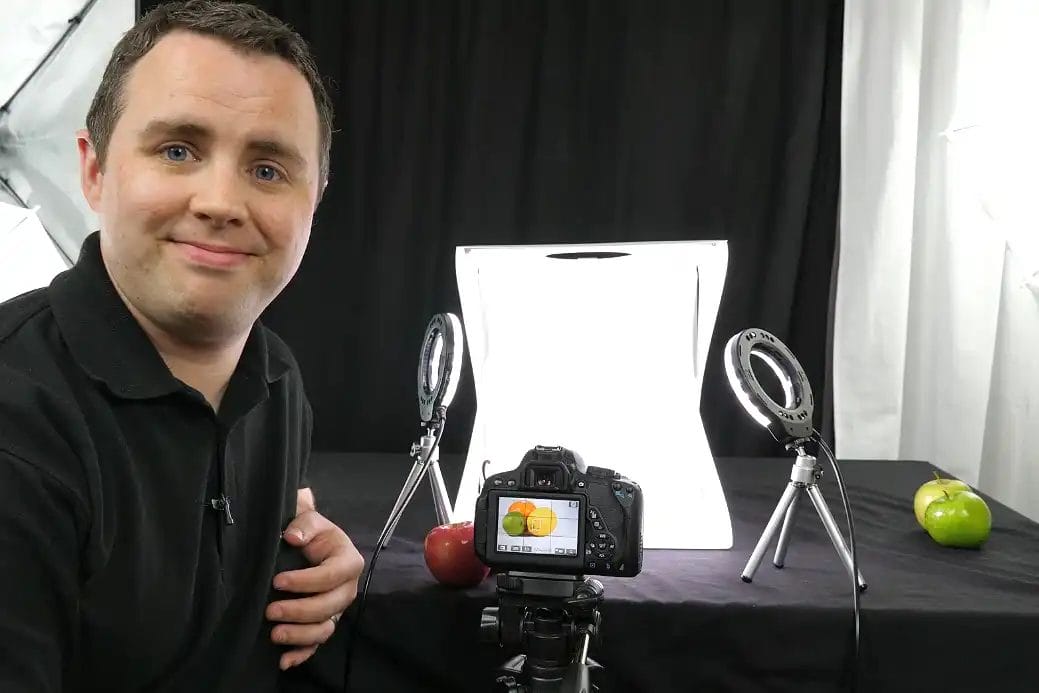
Stephen is an iPhotography Tutor with over 18 years of professional photo experience.
At iPhotography we love creating new photos that don’t cost the Earth. We’re always on the lookout for budget-friendly ways to capture amazing images so we can share it with you.
We believe this makes the next generation of photographers adaptable and more imaginative – and that can’t be a bad thing.
Stephen leads this course with his vast photography experience to show you that anyone, once they understand their digital camera, can take amazing photos at home.
Packed with PDF sheets, lighting diagrams, ebooks and posing guides our download library has lots of resources.
We've got a free photo editor built in to our site. Learn to tweak your photos without spending money on software.
Get access to our private feedback gallery. Upload your photos and get ratings from course students and tutors.
Separate to your courses videos our media library has hundreds of other training tutorials waiting for you.
We offer a full 30-Day Money Back Guarantee. If you are at all unhappy with the iPhotography Food & Still Life course, for any reason, just let us know and we’ll issue a full refund.
Open the door to this amazing photography course and make yourself at home. Learn the tips, tricks and techniques to professional home photography.
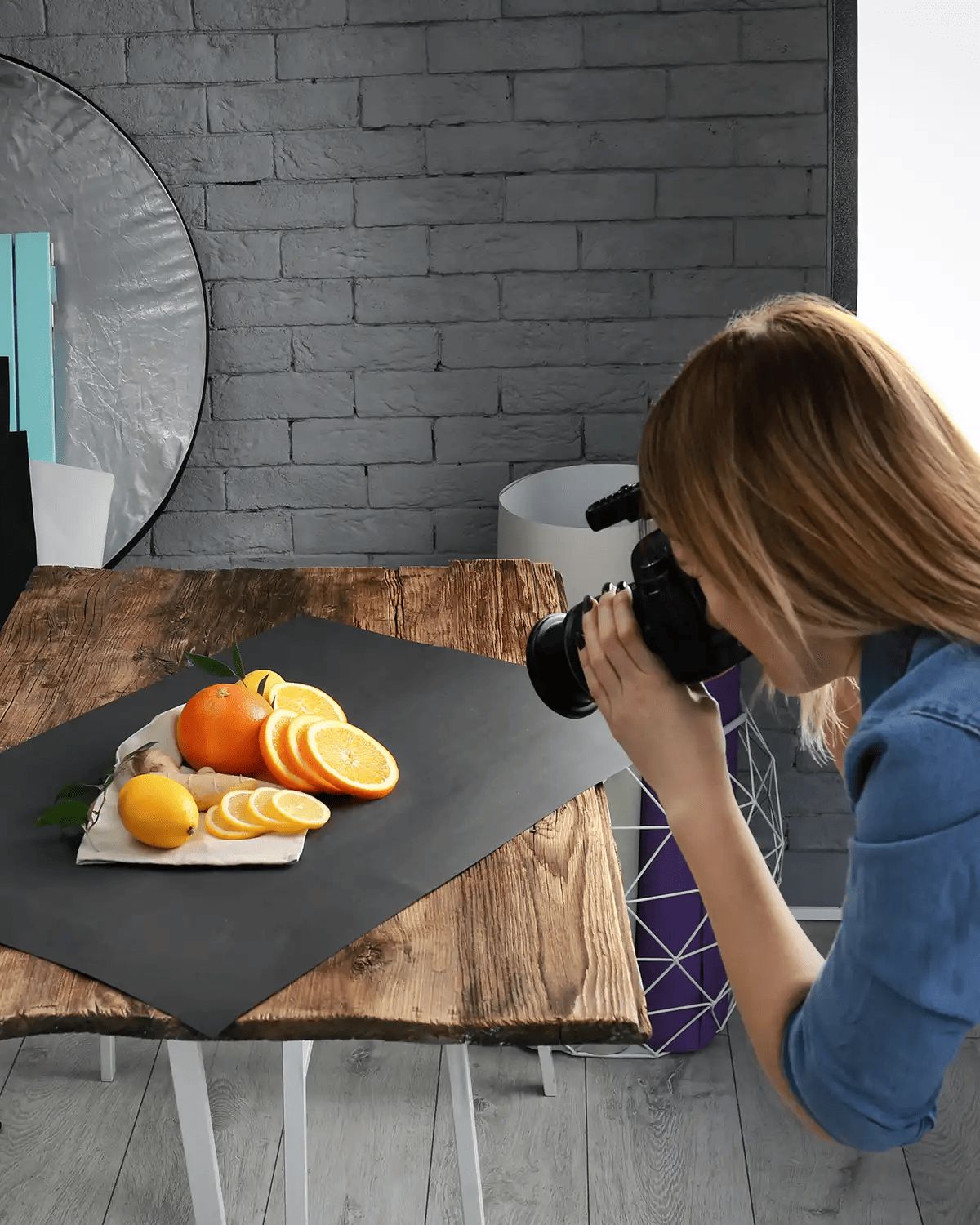

This course is designed for beginners, but even pro users will learn something.
The iPhotography Home Projects course contains 8 learning modules spread over 7 hours of content. Upon completion of the course you will receive a free downloadable graduation certificate to keep.
No time limits. Sign up today and get lifetime access to the iPhotography community.
The 8-module course packs in over 7 hours of video content, which means you could complete it in just 1 day.
Therefore, there’s no quizzes, assignments or tests – it’s all about instant creative delivery.
The minute you sign up, you’ll have access to the Home Projects Course inside iPhotography’s cutting-edge learning platform.
If you’ve ever taken an iPhotography course before then you’ll be able to access the portrait course right alongside your other iPhotography courses, all from one sleek, simple and secure platform.
Plus, you’ll have access to a whole array of benefits including our hugely popular member feedback gallery, download & media library and much more!
Read some of the independent reviews posted about iPhotography™ on Facebook, Trustpilot & Google Reviews:
Before you leave, make sure you’ve secured your FREE online photography course (worth £29.99)
Each class is just 60-seconds or less making it the fastest and easiest way to learn photography!


