
The best online introduction to photography course for complete beginners. Master the foundations of photography in under 2 hours.
There are three vital pillars that all great photography is based on – how to use your camera, what makes a good photo, and how to capture a great image. Have you ever wanted to take pictures that you’d happily hang on your wall? Imagine if you could do it effortlessly by…
There are three vital pillars that all great photography is based on – how to use your camera, what makes a good photo, and how to capture a great image. Have you ever wanted to take pictures that you’d happily hang on your wall? Imagine if you could do it effortlessly by…
This introduction to photography course for beginners gives you the training and skills to shoot great-looking photos every time you push the shutter.
Even if you’ve never picked up a digital camera before, this introduction to photography course will be easy to follow for you.
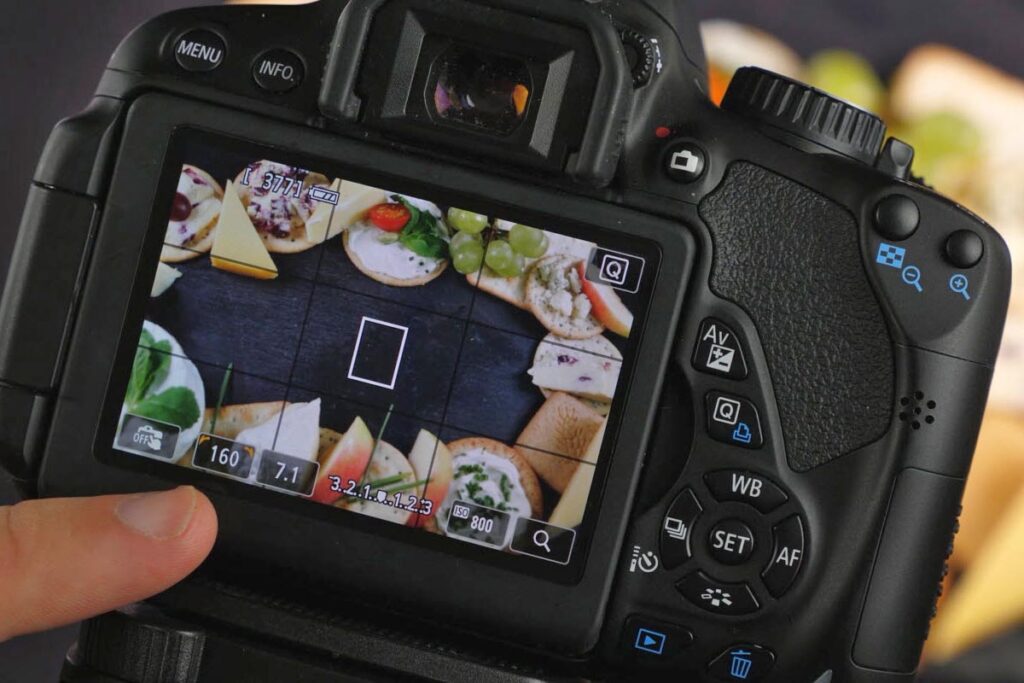
Half the battle of taking a good photo is knowing your tools. There are so many buttons and dials on a digital camera that it can seem overwhelming to remember everything – but do you NEED to know everything straight away? NO!
A good photographer shouldn’t rely on their camera knowing how to take the shot anyway. Instead, we’ll show you how to make your camera work correctly for you.
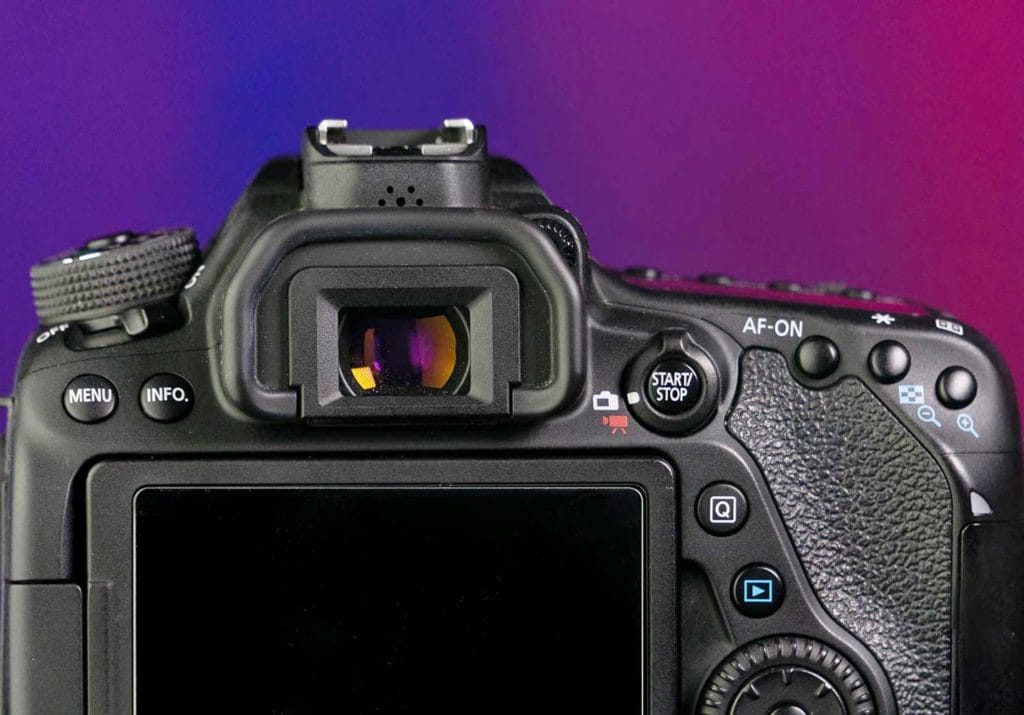
Even if you’ve never picked up a digital camera before, this introduction to photography course will be easy to follow for you.
Half the battle of taking a good photo is knowing your tools. There are so many buttons and dials on a digital camera that it can seem overwhelming to remember everything – but do you NEED to know everything straight away? NO!
A good photographer shouldn’t rely on their camera knowing how to take the shot anyway. Instead, we’ll show you how to make your camera work correctly for you.
Once you’ve learnt more about your camera and how it works it’s time to pull those skills together and start taking great photos.
We’ve got 4 photo projects you can do in your home and garden. They are budget-friendly, and simple to set up, but will result in fantastic images to keep you motivated and inspired as a photographer.
Follow our step-by-step directions to capture abstract, floral and food photographs that will look amazing!
This iPhotography course is fully backed and certified from our training verification service CPD.
You can rest assured that you’re getting the best online training which is held to the highest standards from an independent service.
All iPhotography courses come with a free downloadable CPD verified certificate. Selected courses allow you to upgrade to a premium hard copy delivered to your door with free worldwide P&P.
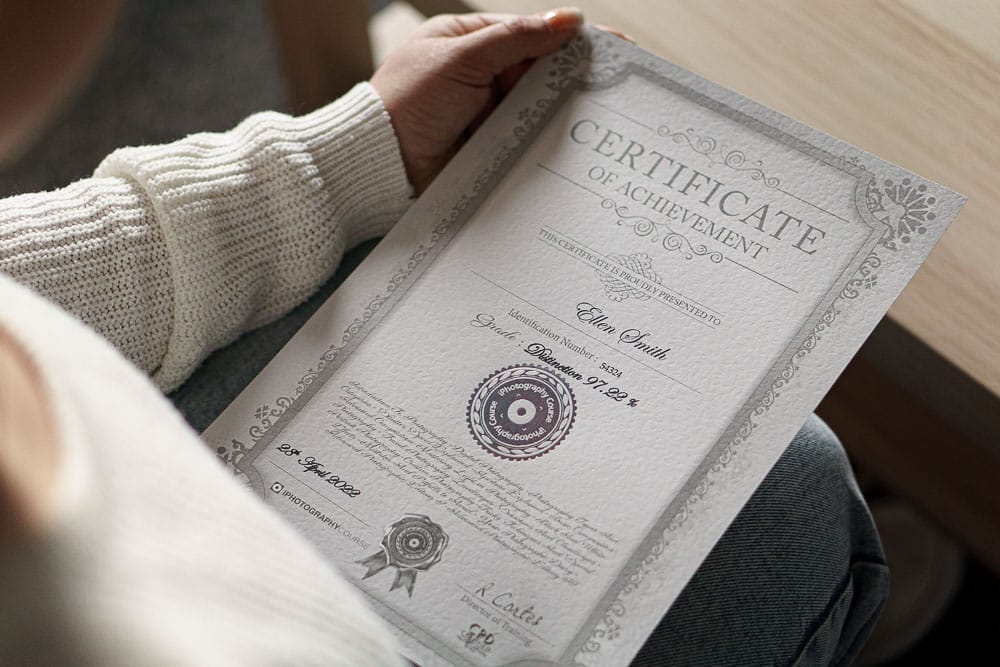
This iPhotography course is fully backed and certified from our training verification service CPD.
You can rest assured that you’re getting the best online training which is held to the highest standards from an independent service.
All iPhotography courses come with a free downloadable CPD verified certificate. Selected courses allow you to upgrade to a premium hard copy delivered to your door with free worldwide P&P.
Click the tabs below for an overview of what you’ll discover inside each lesson of the Introduction to Photography course:
We'll show you the similarities and differences between compact, bridge, DSLR and mirrorless cameras to help you understand the technology.
If you're starting out with a simple point-and-shoot digital camera it's really useful to know your future upgrade options.
If you've got a compact camera, we'll do a deeper dive into the common camera buttons, dial modes and other features that'll build up your camera confidence.
If you've got a digital bridge camera, we'll do a deeper dive into the common camera buttons, dial modes and other features that'll build up your camera confidence.
If you've got a mirrorless or DSLR camera, we'll take an in-depth look into what different dial modes offer in terms of functionality.
We'll also share with you some of the other common settings/options in the menus that you'll find yourself using regularly.
From memory cards to tripods, we'll show you which other accessories you should consider putting in your camera bag to make photography easier and faster.
When it comes to choosing the right camera settings you firstly need to make sure that you're photo is bright enough (that's what photographers call 'exposure').
You'll see how to control your photos brightness using your camera's aperture.
There's even a great class to see how easy it is to make your subject clear and well defined by changing the depth of field.
The next camera setting you'll use a lot is shutter speed. This controls the appearance of motion in a photo.
If you like to photograph the kids playing in the garden or sports photos then getting to grips with choosing the right setting is key.
Ever tried to take a photo at night and noticed everything was too dark? You're not alone, it happens to nearly all beginner photographers.
But once we've shown you ISO, then you'll be able to take amazing photos in low light that look as good as in the daytime!
Composition is the art of how you arrange everything in your photos. There's different ways you can create a stunning composition which we've split up across a few lessons.
By learning to spot and use striking lines and pathways in your photo you can create interest to make anyone who looks at your photo more engaged and impressed by your shots.
You may have seen this familiar grid pattern on your camera screen before, so we'll give you the full breakdown on how it should be used correctly.
Following the Rule of Thirds technique you can capture balanced and pleasing landscapes and portraits which will make your photographs look much more professional in seconds.
Symmetry is everywhere - if you look for it. Whether its the reflection in the water, buildings or windows, there's always something to use to make images look harmonious and creative with absolutely any camera.
Nobody wants a wonky photo, do they?! If you want to make your photographs look amazing then keeping your horizons level is vital - and it's really easy to do.
Whether it's following the guidelines in camera or tweaking in editing it only takes seconds to make sure your images are perfect - and we've got a quick class to help you out.
In the first of your 4 creative photography projects we'll show you how easy it is to create dramatic abstract photos.
By using simple props, your imagination will be excited by the opportunities to capture bold, striking and unique images.
Stray no further than your window box or back garden in your second creative project.
Flower photography offers a calm, personal and effective way of learning more about your camera while capturing beautiful images at the same time.
We've got a stack of tips to improve your composition, lighting and more.
Spend some time in the kitchen with your camera and learn how to take appetising food photos!
Discover the best angles, lighting and arrangements to create professional looking images.
With only 3 items (oil, water and a camera) you can capture unique photographs that will amaze your friends and family.
In this last practical exercise you'll see that you don't even need to leave your house to take great photos.
As we wrap up this introduction course we'll show you how to continue your journey into photography with our other courses.
You can either delve deeper into learning more about photography or start to specialise your skills with our landscape, portrait, wildlife or photo editing courses.
It will take less than a day to complete this course and you'll have the skills and knowledge that some photographers take months to discover.
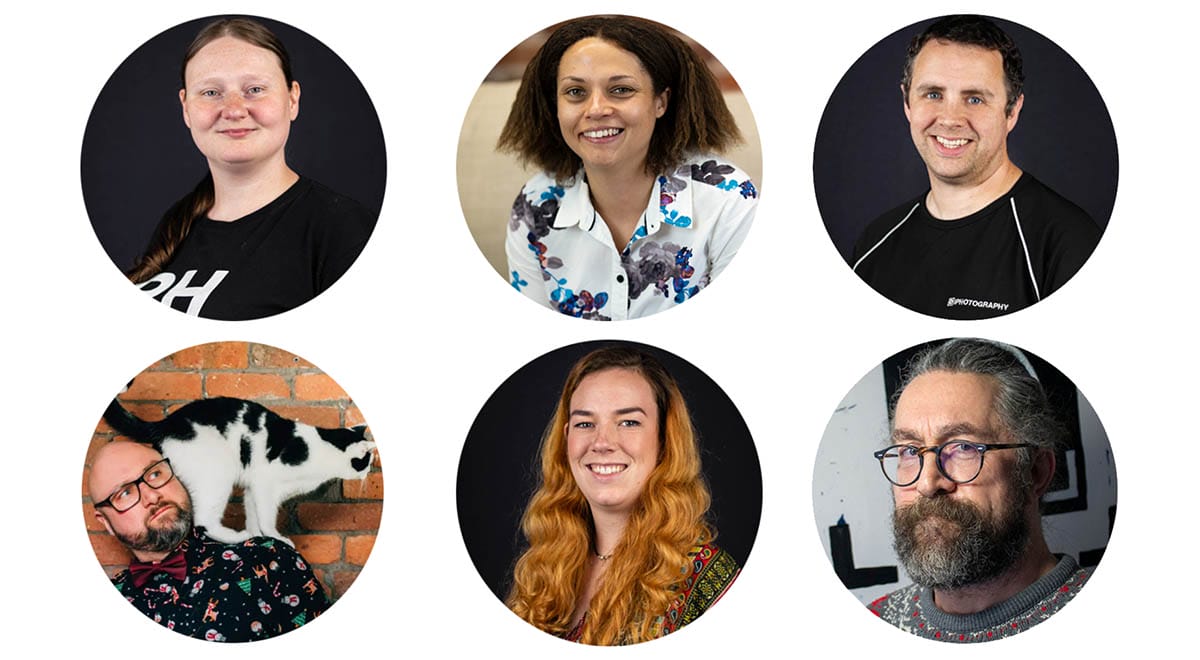
The Introduction to Photography course is designed and led by the iPhotography instructor & tutor team.
With lessons designed and presented by different instructors, you can feel confident that each tutorial is delivered by the right expert.
Whether your lesson is presented by photographer Emily Lowrey, Rachel Sinclair, Stephen Walton, Martin Forrest, Rebecca Santo or Nick Hunt you’ll have years of experience showing you how to get started with photography.
Each lesson is gets straight to the information you need to know. No filler! All the instructors explain each technique, setting and process in simple terms. No jargon!
If you’d prefer one of our full length iPhotography courses, you’ll also unlock a range of extra perks.
Packed with PDF sheets, lighting diagrams, ebooks and posing guides our download library has lots of resources.
We've got a free photo editor built in to our site. Learn to tweak your photos without spending money on software.
Get access to our private feedback gallery. Upload your photos and get ratings from course students and tutors.
Separate to your courses videos our media library has hundreds of other training tutorials waiting for you.
We offer a full 30-Day Money Back Guarantee. If you are at all unhappy with the Introduction to Photography course, for any reason, just let us know and we’ll issue a full refund.
In under 2 hours this Introduction to Photography course will give you a better understanding of the foundations of photography. You’ll know more about your digital camera and what makes a great photo.
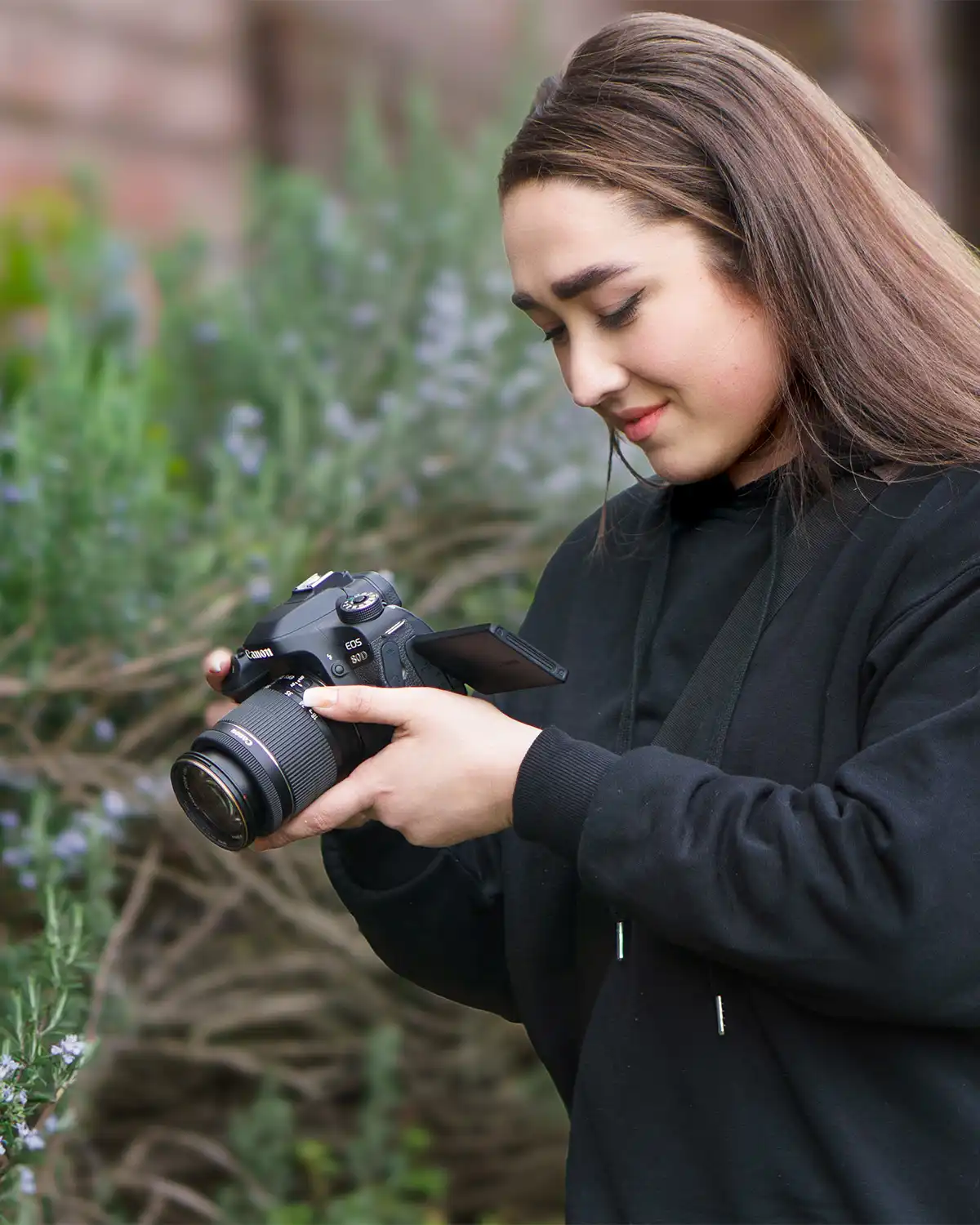

Yes! This course has been specifically designed for total beginners. We’ll only share with you the right tools, tricks and skills that you need to get started.
We’ve made learning the basics of photography easy and enjoyable for beginners by creating this engaging and immersive online learning experience.
Even if you’re an absolute beginner picking up a camera for the first, by the end of this course we’re confident that you’ll be nothing short of astonished by the rapid improvements in your shots.
This Introduction to Photography course teaches you the technical stuff you need to know as a beginner, so that you can use your camera to take better photos, without being overwhelmed by all the settings.
In the first few lessons, you’ll learn all about the camera equipment you need (and what you don’t).
You’ll discover how to achieve professional-grade results using the camera and equipment you already own.
We’ll even give you 4 practical tasks to try out later in the course so you can see how your skills have improved even over a short time.
There is so much more to learn in photography – lighting, advanced settings, editing and storytelling.
When you’re ready to take your learning to the next level, you can learn much more in our in-depth iPhotography Course.
Yes. You can start capturing beautiful photography using whatever camera you already own. You will find a standard DSLR or Mirrorless camera the basic requirement for many of the tutorials.
By using the tips, tricks and techniques we reveal you’ll notice an immediate improvement to your shots.
You’ll know how to achieve next-level results by using props you already own or by acquiring budget-friendly gear that produces pro-level photographs.
We all know someone with ‘all the gear and no idea’, that’s why our underlying philosophy is about teaching you the core photo principles first.
Read some of the independent reviews posted about iPhotography™ on Facebook, Trustpilot & Google Reviews:
Before you leave, make sure you’ve secured your FREE online photography course (worth £29.99)
Each class is just 60-seconds or less making it the fastest and easiest way to learn photography!